Why I switched to Ubuntu
Linux ecosystem is not like 20 years ago
I remember when ~20 years my dad was using some Unix distro like Red Hat and I was like: “How the hell can you use that?” or “There is no UI to make that?! Just the terminal?”
In fact Linux was a bit tricky and nerdy to use in the past, you had to open the terminal for almost any action and you couldn’t install any software that were “standard” on Window systems. Furthermore, there were always problems about the drivers: graphics glitching, videos playing slow, Wi-Fi module not working, etc.
It was a real nightmare.
But things have changed a lot over the last decades. Linux distros evolved significantly, on the user experience aspect too, and distros like Ubuntu are easly usable by anyone. Today it seems like Linux adoption is almost 5% worldwide and it’s increasing every year.
Today we mostly use the browser
Most of our work moved from desktop apps to web app, for example we used to create a new document locally, now we create it on the cloud. Nowdays it’s not necessary to “install” many programs to make a OS usable since most of our work is done inside a Browser.
As a software engineer, most of my work is inside an IDE like VS Code, that has an excellent support on Linux, like most of developers software.
Performance
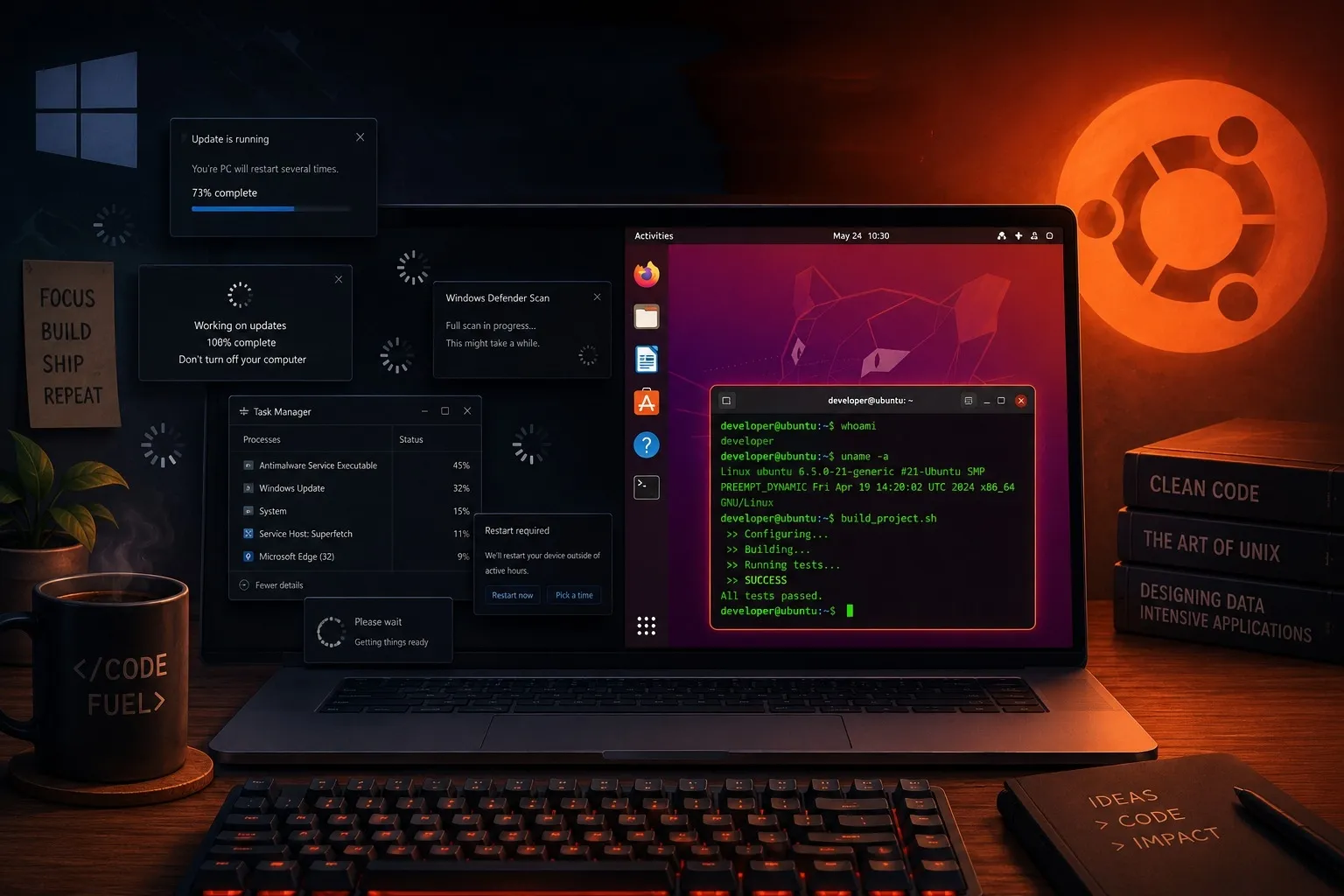
One of the first things I noticed after switching was how much faster my machine felt. Ubuntu is significantly lighter on system resources, it uses less RAM and stays responsive even on very old hardware. I honestly forgot the last time I had to reboot the computer because it crashed or stopped working. Windows tends to accumulate background processes, telemetry services, and automatic updates that eat into your CPU and memory without you noticing. On Ubuntu, the system does what you tell it to do and nothing more. If you have an older laptop collecting dust, installing Ubuntu on it is often enough to bring it back to life and is the best way to notice how really light Ubuntu is.
The migration: start with dual boot
I didn’t go all-in on day one. The smartest move was to set up a dual boot first, keeping Windows on one partition and installing Ubuntu on another. This gave me a safety net while I got comfortable with the new environment. I could still boot into Windows whenever I needed something familiar, or whenever I wanted to play a game. After a few weeks, I realized I was barely touching Windows anymore, and eventually I wiped it entirely. If you’re thinking about switching, dual booting is the best way to start. If you mostly use just the browser, making the switch will be so smooth that you won’t notice much difference.
Hardware compatibility has come a long way
Driver support used to be the biggest pain point on Linux. Today, most hardware just works out of the box. Wi-Fi adapters, Bluetooth, external monitors, Ubuntu handles them without manual intervention in the vast majority of cases. Even Nvidia GPU support, historically a headache on Linux, has improved dramatically. The kernel receives regular updates that add support for new devices, so you’re rarely left struggling with missing drivers the way you might have been a decade ago.
Linux is open source and free
Unlike Windows or macOS, Linux is open source, the entire operating system is built on code that anyone can read, audit, and contribute to. This matters for a few reasons. First, there’s no hidden telemetry or data collection baked in by design. Second, security vulnerabilities are spotted and patched quickly by a global community of developers. Third, you don’t have to pay anything ever. The software belongs to everyone, and that philosophy resonates especially with developers who believe in transparency and collaboration.
OS updates are another reason I switched to Ubuntu. Windows updates are huge and you can’t even know the details of what is downloading, and sometimes they just get stuck. On Ubuntu the updates literally takes few minutes and you always have all the details. Major updates too, such as switching from Ubuntu 22 to 24 (like from Windows 10 to 11) is extremely straightforward.